AI Front Desk: What It Is and How It Works for Service Firms
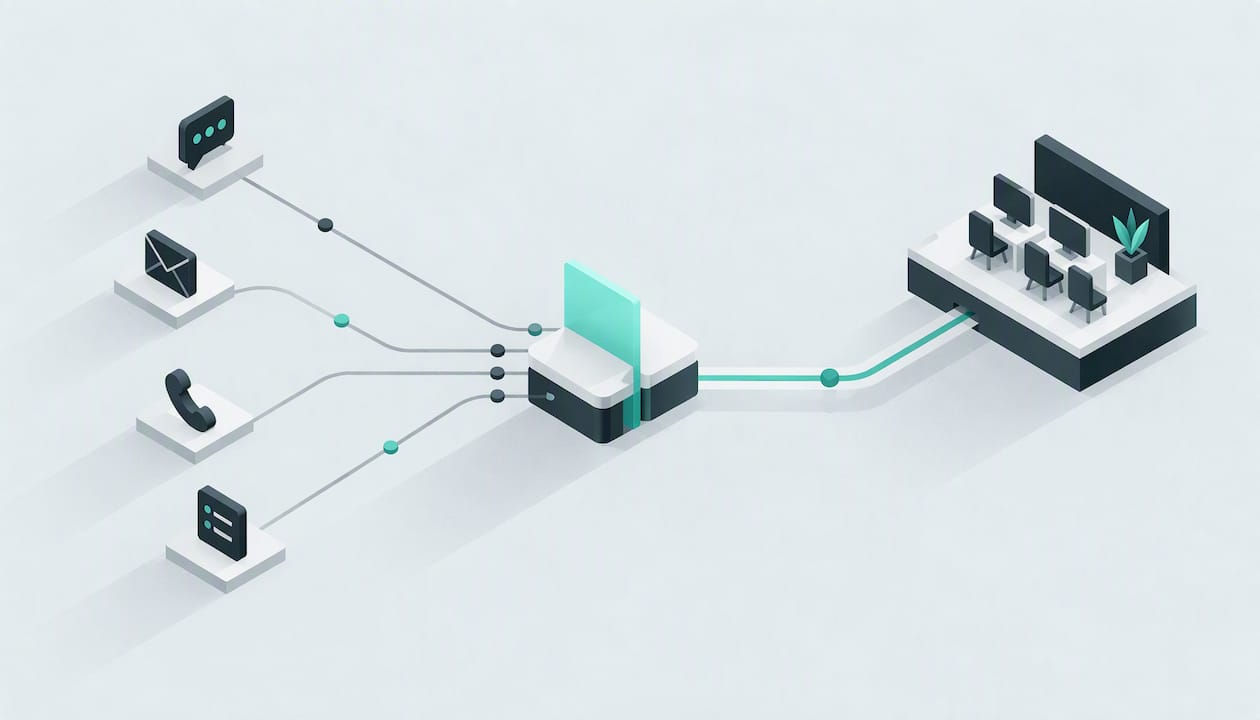
An AI front desk is software that answers your inbound enquiries, by phone, WhatsApp, web chat and email, at any hour. It works out what the customer wants and how urgent it is, and it either books the job or hands a clear summary to your team. For a plumber on a roof, a cleaning firm with three crews out, or a property maintenance office that closes at 5pm, it does the job of a front desk that never goes home.
This guide explains what that means in practice: the plain definition, the channels it covers (including how WhatsApp Business API fits in), what happens to a typical enquiry from first message to booked job, how the handover to your staff works, what to look for when choosing one, and what UK data protection expects of you.
TL;DR
- An AI front desk answers calls, WhatsApp messages, web chats and emails 24/7, qualifies each enquiry by intent and urgency, and passes your team a written summary.
- WhatsApp access for automated replies normally runs through the WhatsApp Business API (now called the WhatsApp Business Platform), which is separate from the free Business app on your phone. A good provider handles that connection for you.
- The aim is a single conversation per customer across channels, so nobody repeats themselves when a person takes over.
- In the UK, an AI front desk processes personal data. You need a lawful basis for each purpose, plain-English privacy information and, where relevant, a DPIA, as the ICO sets out.
- Judge any system on how it is trained on your services, how handoff works, which channels it covers and how clearly it explains its data handling.
Table of Contents
- What an AI front desk actually is
- The channels it covers
- WhatsApp Business API, explained plainly
- A typical enquiry, from first contact to booking
- How lead qualification works
- Handover to your team
- What to look for when choosing one
- Data protection: what UK firms need to do
- Our view: speed matters, but context matters more
- How DeskAgent fits
- FAQ
- Sources
What an AI front desk actually is
Think of the person who used to sit by the door or the office phone. They greeted people, asked what they needed, took details, checked the diary and passed the right things to the right colleague. An AI front desk does the same tasks in software, across every way a customer can contact you.
The important word is front desk, not chatbot. A basic chatbot answers set questions in one channel. A front desk handles the whole first stage of the customer relationship:
- Answers the enquiry immediately, whatever the channel or time.
- Qualifies it: what is the job, where, how urgent, is it something you do?
- Books or routes it: into your calendar, or to the right person.
- Summarises it so your team starts with the facts, not a blank page.
- Follows up if the customer goes quiet.
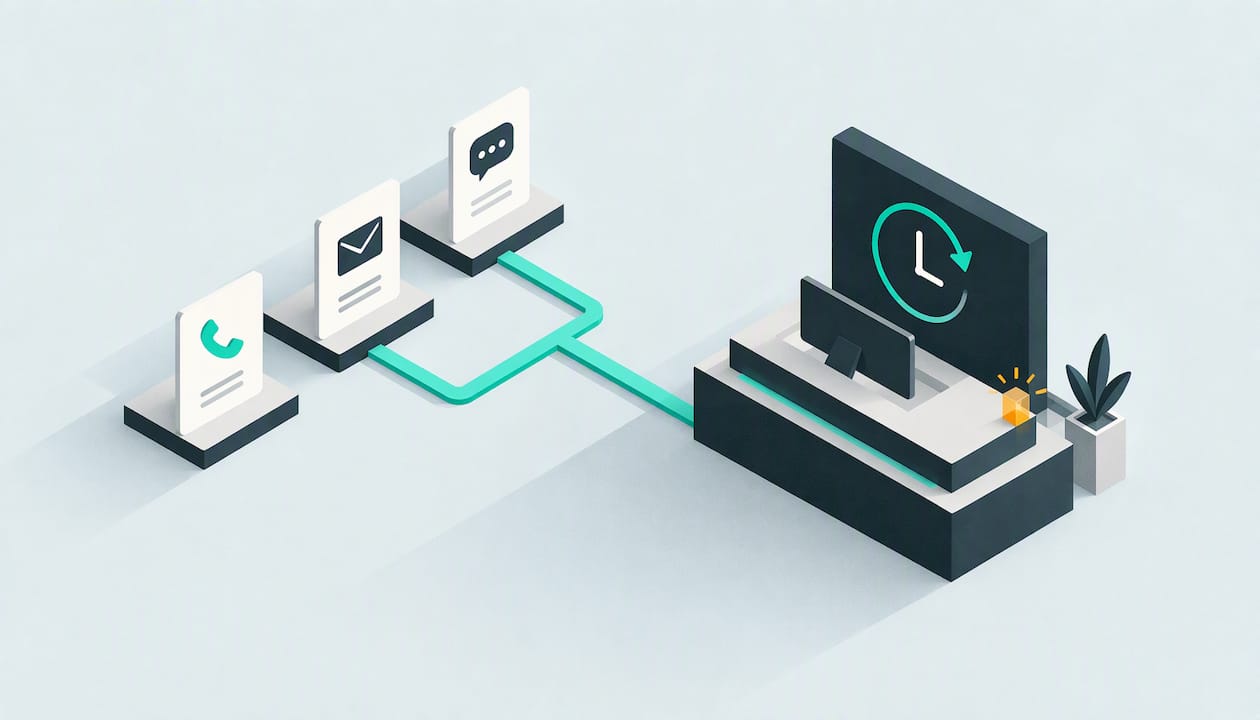
For service firms this matters because enquiries are time-sensitive. Someone with a leaking pipe, a failed boiler or a tenant complaint rarely waits for a callback. If you are under a van, on a site or asleep, the enquiry goes to whoever answers next. Our piece on after-hours calls for service owners covers how to capture those leads and where to set limits.
The channels it covers
Customers choose how to contact you, and they rarely choose the same way twice. A front desk is only useful if it covers the channels they actually use.
Phone
The phone agent answers inbound calls, asks the questions you would ask, and records what it learns. A caller with a burst pipe is treated differently from someone asking for a quote on gutter cleaning next month. If you want to understand how this compares with a human answering service, our guide to 24/7 answering for UK small businesses walks through the options.
For many UK tradespeople, WhatsApp is already where customers send photos of the damage and ask “can you come today?”. An AI front desk can reply to those messages straight away, ask follow-up questions and keep the thread tidy. More on how that works technically in the next section.
Web chat and web forms
Visitors on your site can ask questions and describe a job in their own words, rather than filling in a form and waiting. The agent captures the same details a phone call would.
The inbox agent handles email enquiries and filters spam, so your team sees genuine leads rather than a wall of junk. That filtering matters more than it sounds: a real enquiry buried between dozens of irrelevant messages is a missed job.
One conversation, not four
The real value is not any single channel. It is that the customer who phoned, then sent a WhatsApp, then emailed a photo is one person with one history. We go deeper on this in multichannel customer service for UK service firms, including how to fix broken handoffs.
WhatsApp Business API, explained plainly
Many owners searching for this are confused by the names, so here is the short version.
The WhatsApp Business app is the free app on your phone. It gives you a business profile, quick replies and a basic away message. It is designed for a person to read and answer messages on a handset.
The WhatsApp Business API is the programmatic route into WhatsApp. Software, rather than a person holding a phone, sends and receives messages. Meta now calls it the WhatsApp Business Platform, though most people still say “the API”. Because the software talks to WhatsApp directly, it allows automated replies, connection to other systems such as a diary or CRM, and several team members working on the same number.
For a small service business, that has a few practical consequences:
- You do not need to build anything. You are not expected to write code. A front desk provider connects the API for you and manages the technical side.
- Automation is the point. The phone app’s away message is a single canned reply. The API lets software hold a real conversation: asking what the job is, where it is, and when suits.
- Message rules apply. WhatsApp distinguishes between replying to a customer who has just contacted you and starting a conversation yourself, which generally uses pre-approved templates. Meta also charges for business messages on the platform, and its rates change by message type and country, so check Meta’s current pricing documentation rather than relying on a figure in a blog post, including this one.
- Your number needs setting up properly. A number used with the API is registered through the platform rather than run from the app, so plan the switch with your provider before you move over an existing customer-facing number.
If your question is simply “can I auto-reply to WhatsApp messages?”, our guide on setting up a WhatsApp auto reply for your business covers the simpler options and where they run out.
Is the WhatsApp API right for a small firm?
You do not need to pick between the app and the API on your own. The question to ask is: do I need software to answer on my behalf, hold a structured conversation and pass details to my team? If yes, you are in API territory, and the sensible route is a system that includes the connection as part of the service, so you are not sourcing it separately.
A typical enquiry, from first contact to booking
Here is a realistic example for a property maintenance company. It is an illustration of the flow, not a record of a specific customer.
It is 7.40pm on a Sunday. A tenant messages the firm’s WhatsApp number: the kitchen ceiling is dripping from the flat above.
1. Instant acknowledgement. The agent replies within a second or so, not the next morning. The tenant knows someone is on it.
2. Understanding the intent. The message is a repair request, not a quote enquiry or a complaint. The agent picks that up from the wording.
3. Judging urgency. Water coming through a ceiling is time-critical. The agent asks short, practical questions: is the water near light fittings or electrics, can the stopcock be reached, what is the address and is there access tonight?
4. Checking fit. The agent has been trained on your services and coverage area. If the address is outside your area, or the job is something you do not do, it says so politely rather than wasting everyone’s time.
5. Booking or escalating. Depending on your rules, the agent offers a slot in the calendar, or flags the job as urgent for the on-call person.
6. Summary to your team. Whoever picks it up sees a written summary: who, where, what, how urgent, what has already been asked and answered.
7. Follow-up. If the tenant does not confirm a slot, an automated follow-up nudges them. Our guide to automated lead follow-up for service businesses explains how to set that cadence without becoming a nuisance.
The same flow works on a phone call or web chat. Only the medium changes.
How lead qualification works
Qualification is the step that turns an inbox of messages into a ranked list of jobs. The system reads what the customer says and assesses two things: intent (what do they want?) and urgency (how soon?).
A cleaning firm might see a mix of one-off deep cleans, regular office contracts and people asking for prices with no details. A good agent separates them and asks the missing questions: property size, location, preferred dates. Your team then spends time on the enquiries worth a call. For a deeper look, read our guide to AI lead qualification for service businesses.
Qualification only works if the agent knows your business. That is why training on your own services, coverage area and frequently asked questions matters more than any headline feature.
Handover to your team
Automation should hand over, not trap people. The best systems make the transition between agent and human almost invisible.
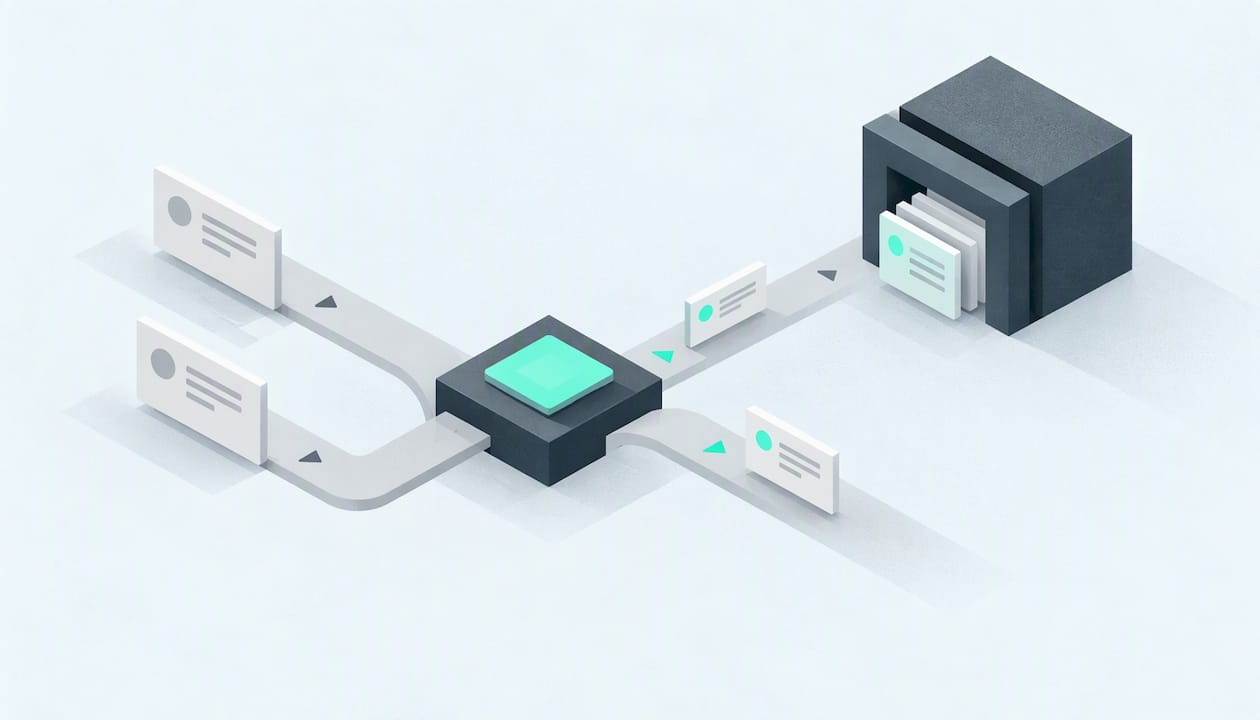
- Context travels with the lead. The person taking over sees the full conversation and a summary, so the customer is not asked to repeat their address or problem.
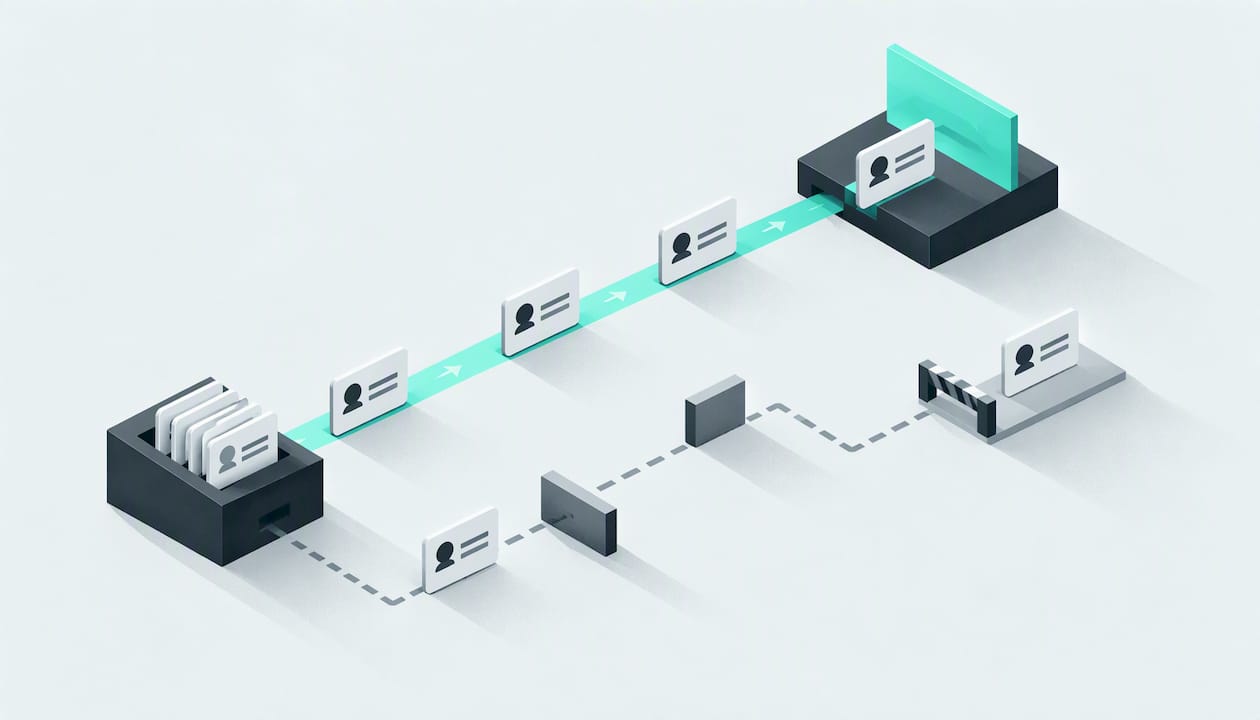
- You decide what goes to a human. Emergencies, complaints, large commercial jobs or anything the agent cannot answer can be routed to a named person.
- The customer knows what is happening. Saying “I’m passing you to Sam, who will call you this evening” is better than silence.
- Nothing is lost between channels. If the customer started on WhatsApp and then rings, the history should still be there.
Ask any provider to show you the handover screen, not just describe it. It is where most front desk systems either shine or fall apart.
What to look for when choosing one
Use these criteria when comparing any AI front desk, including ours.
| What to check | Why it matters |
|---|---|
| Channels covered | Phone, WhatsApp, web chat and email should all feed one place, not four separate tools. |
| Training on your business | The agent should know your services, coverage area and FAQs, rather than give generic answers. |
| Qualification quality | It should understand intent and urgency, not just collect a name and number. |
| Handoff | Staff should receive the whole context, with clear rules on what is escalated. |
| Booking | Calendar booking turns a conversation into a job without a second step. |
| Follow-up | Automated follow-ups catch customers who go quiet. |
| Spam handling | Email filtering keeps junk away from real leads. |
| Data protection | The provider should explain what personal data is processed, why, and where it goes. |
| Pricing clarity | Monthly fee, setup cost and what is included should be stated plainly. |
On the last point, our article on AI receptionist pricing for UK service firms sets out what firms typically need to budget for. For a broader introduction, see the practical UK guide to AI receptionists for small business.
Data protection: what UK firms need to do
An AI front desk handles names, addresses, phone numbers, photos, and often details about someone’s home or circumstances. That is personal data under UK GDPR, and you remain responsible for it even when software does the talking. Nothing here is legal advice; if you are unsure, speak to a data protection adviser or your own legal professional.
The ICO guidance on AI and data protection is the best starting point. In practical terms for a service firm, it points to four jobs.
Separate each purpose and choose a lawful basis
An AI front desk does several different things with personal data: replying to an enquiry, qualifying it, storing a summary, following up. The ICO says you must break down each distinct processing operation, identify its purpose and choose an appropriate lawful basis. Write them down. Replying to someone who has just asked for a quote is a different purpose from sending marketing later.
Consent is not always required either. The ICO states that consent is one of several lawful bases and will not always be the most appropriate. Choose the basis that fits each purpose.
Tell people, in plain English
Customers should be able to understand that they are talking to an automated system and how their information is used. The ICO’s guidance stresses that privacy information should explain the processing, its significance and its consequences. A short line at the start of a chat, plus a clear privacy notice on your website, is a sensible place to begin.
Consider a DPIA
The ICO says AI processing is likely to create high risk in relevant circumstances, so you should assess whether a data protection impact assessment is required for your use. A small firm using an agent only to take repair enquiries will have a different answer from one profiling large numbers of people, so make the assessment and record the reasoning.
Be careful with marketing
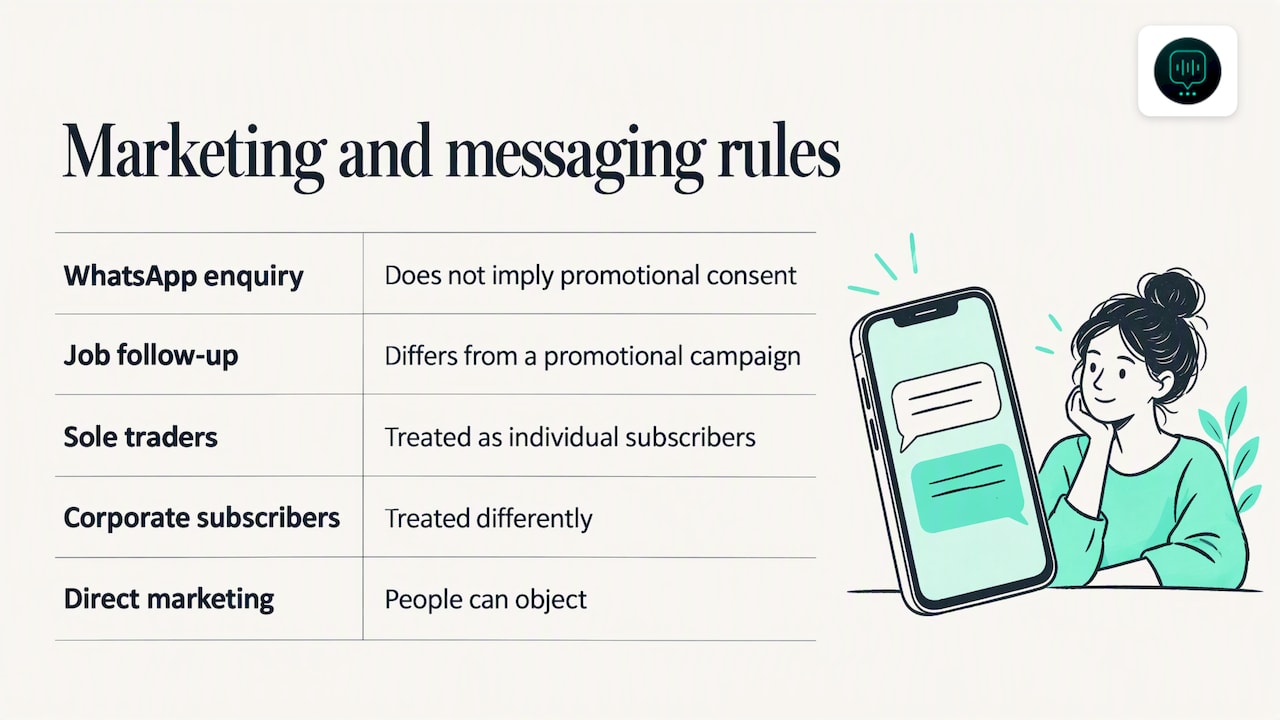
A customer who messages you on WhatsApp has not agreed to receive promotions. Under the Privacy and Electronic Communications Regulations (PECR), the ICO notes that messaging apps such as WhatsApp count as electronic mail. The rules differ by message and by who you are contacting. The ICO explains that sole traders and some partnerships are treated as individual subscribers, while corporate subscribers are treated differently, and that people can object to direct marketing. Replying to an enquiry and following up on that specific job is not the same as a promotional campaign. For the marketing side, see the ICO’s page on electronic and telephone marketing.
When you speak to any provider, ask where data is stored, who can see conversation records and how long you can keep or delete them.
Our view: speed matters, but context matters more
We built DeskAgent for UK service businesses, and our starting point is a simple observation: a missed call or a slow reply is often a lost job. Customers with a problem tend to contact several firms and speak to whoever answers first.
But speed alone does not win the work. A fast reply that asks the wrong questions, or forgets what the customer said on the phone ten minutes ago, just creates a quicker mess. That is why we train each system on the firm’s own services, coverage and FAQs, and why we put so much into qualification and handoff. The agent should reply in under a second, understand how urgent the job is and give your team a summary they can act on.
We also think owners should be sceptical. No front desk system, ours included, guarantees a number of extra jobs. What it does is remove the gaps: calls no one could take, messages left overnight, enquiries that never got a second nudge. Whether that converts into more bookings depends on your pricing, your availability and your reputation.
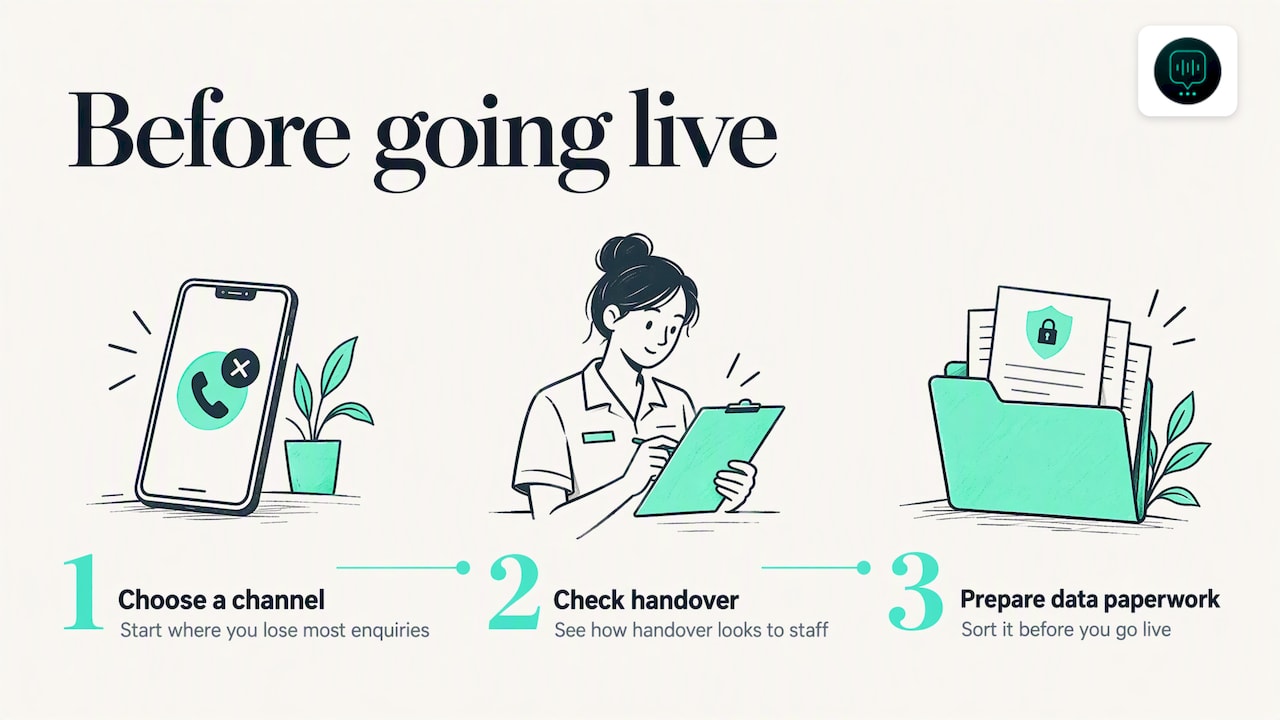
Our advice: start with the channel where you lose most enquiries, check how handover looks to your staff, and sort out your data protection paperwork before you go live, not after.
— Monty Gordon
How DeskAgent fits
DeskAgent is a subscription AI front desk built for UK trades, maintenance, cleaning, property management and facilities firms. You can take the channels one at a time or all together:
- Web Agent: £85 per month
- Inbox Agent: £85 per month
- Phone Agent: £125 per month
- WhatsApp Agent: £125 per month
- The full DeskAgent® system: £285 per month, with a one-off full setup fee of £500
The system includes calendar booking, context-preserving handoff, spam filtering for email enquiries and automated follow-ups. You can see the plans and what each covers on the DeskAgent site.
FAQ
What is the WhatsApp Business API?
It is the way software connects directly to WhatsApp so that messages can be sent, received and handled automatically, rather than by someone using the phone app. Meta now calls it the WhatsApp Business Platform. Most small firms use it through a provider that sets up the connection for them.
Is the WhatsApp API suitable for a small business?
It can be, if you want automated replies, shared handling by several staff or a link to your diary. If you only get a few messages a day and answer them yourself, the free Business app may be enough. The API earns its place when enquiries arrive faster than you can reply.
Will customers know they are talking to an AI?
They should. The ICO’s guidance emphasises giving people clear, understandable information about how AI processes their data. A short statement at the start of a conversation and a clear privacy notice are good practice.
Does an AI front desk replace my office staff?
It takes on the first stage: answering, qualifying, booking and summarising. Your team still handle the jobs, the complicated conversations and the customers who prefer a person. The aim is to give them better-prepared leads rather than remove them from the process.
Do I need a DPIA to use one?
The ICO says AI processing is likely to create high risk in relevant circumstances, so you should assess whether you need one and record your decision. Your answer depends on what data you handle and how. If you are unsure, ask a data protection adviser.
Sources
- ICO guidance on AI and data protection
- ICO: How do we ensure lawfulness in AI?
- ICO: When is consent appropriate?
- ICO: Data Protection and PECR training, Module 14
- ICO: Business-to-business marketing
- ICO: Electronic and telephone marketing