Automated Lead Follow Up for Service Businesses: Reply in Minutes
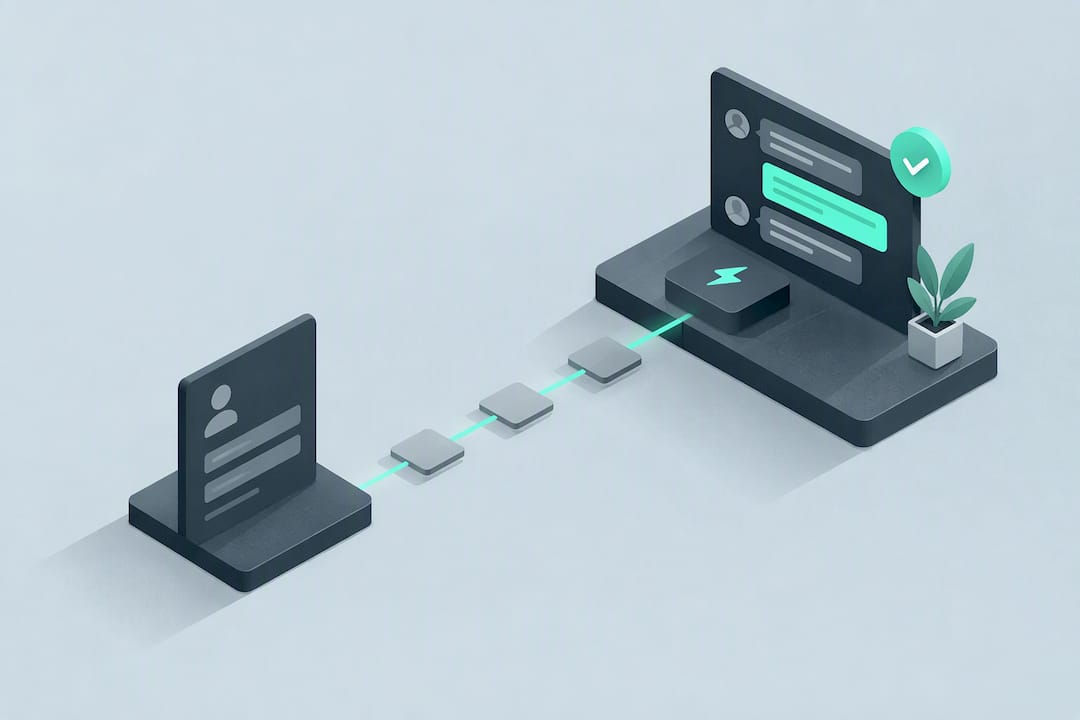
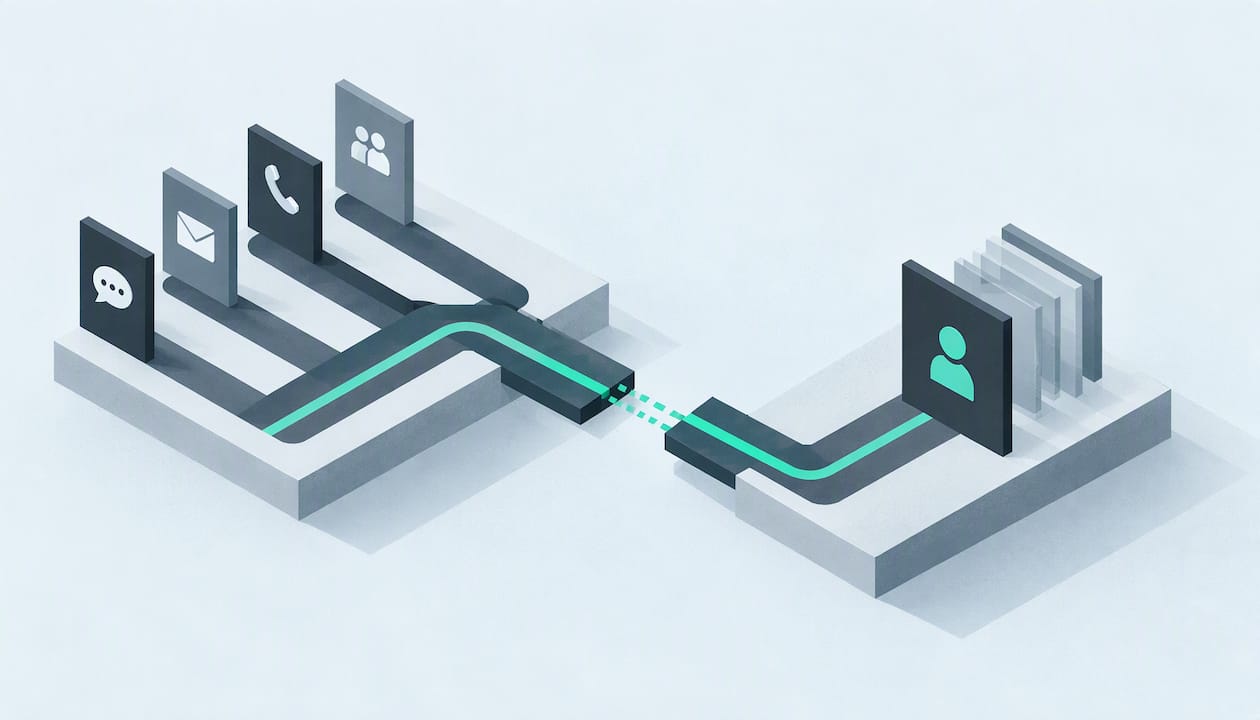
Automated lead follow up means sending immediate, timed, and behaviour-driven messages so no inbound enquiry sits untouched while a prospect decides to call a competitor instead. The single best first step is to centralise every enquiry (web form, call, chat, WhatsApp) into one CRM or unified inbox and trigger an acknowledgement within minutes of it arriving.
TL;DR:
Deduplicate enquiries into one lead record, qualify urgency with a short two-way prompt, and give sales a summary plus an automatic follow-up task.
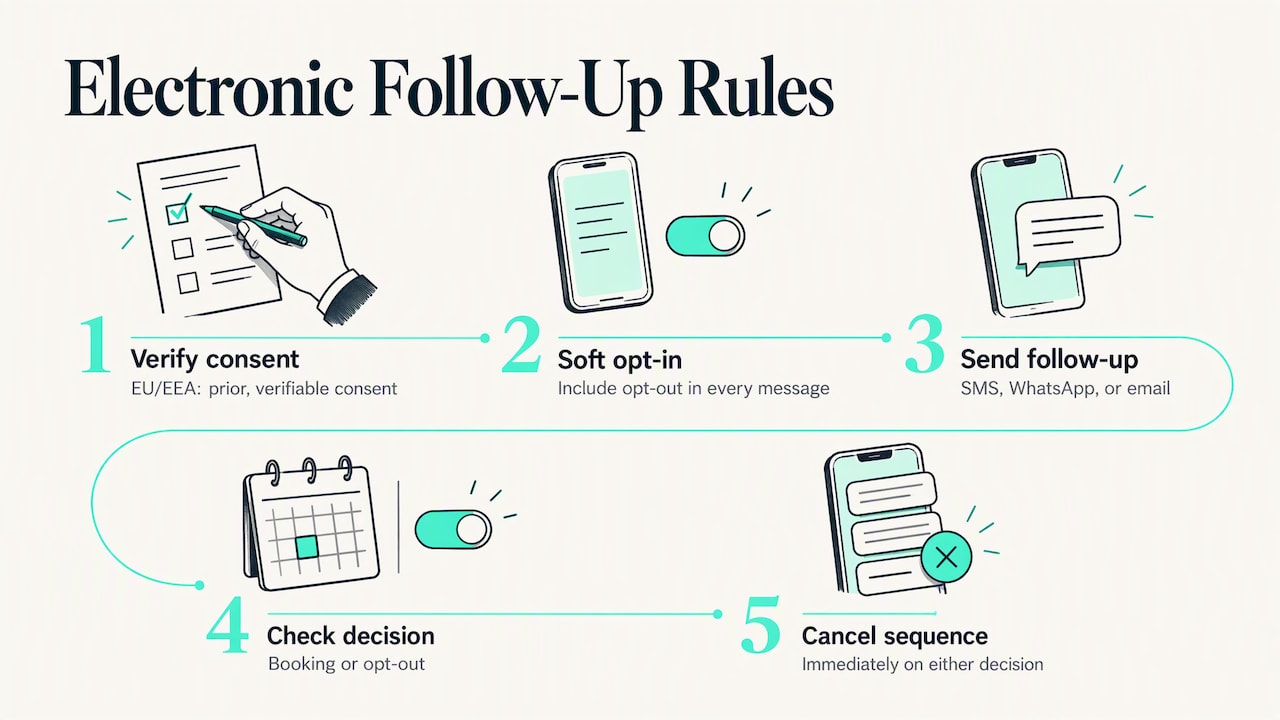
Set cancellation triggers before writing nurture messages: stop when a lead books or opts out, and alert staff when a webhook or message fails.
In the UK, marketing texts, WhatsApps, or emails to individuals generally need prior consent; even the soft opt-in requires an opt-out in every message.
Track five measures weekly at first, then review conversions monthly: response time, contact rate, qualified lead rate, bookings, and opt-out rate.
Route urgent, price-sensitive, or confused leads to a live call, and keep personal early outreach for complex or high-value jobs.
Table of Contents
What a complete automated follow-up system actually needs
Four parts work together, and skipping any one of them creates gaps a prospect falls through.
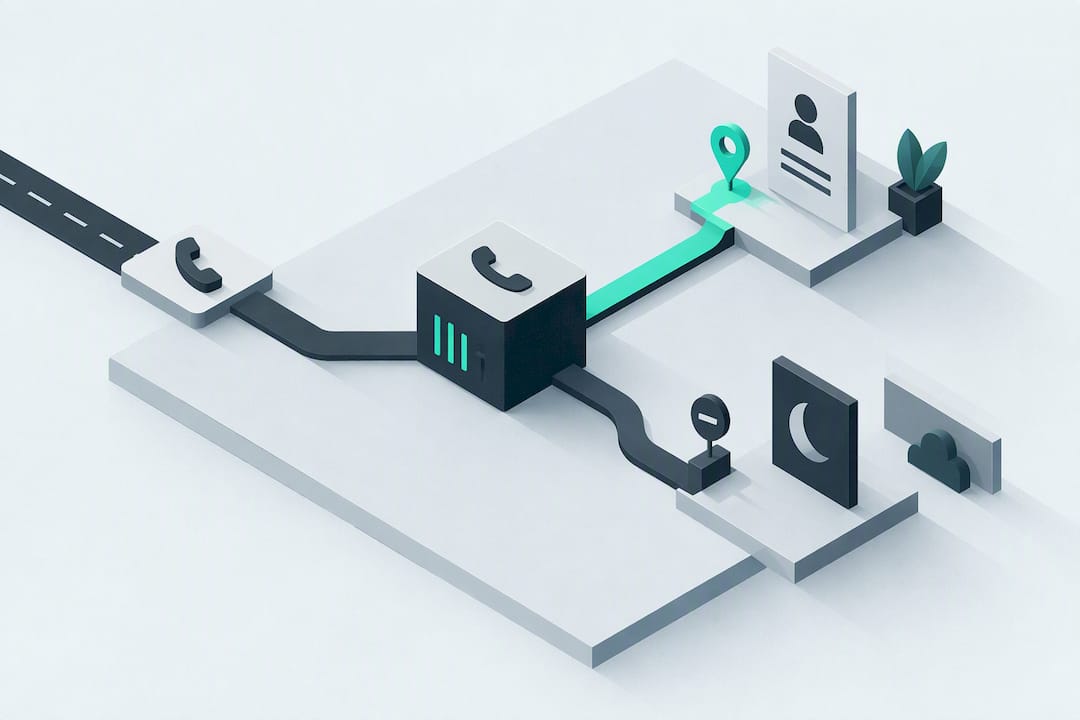
Capture has to be omnichannel. A lead who texts, emails, or calls after hours needs the same guaranteed response as one who fills in a form at 10am, so webforms, phone lines, WhatsApp, and email all need to feed the same system. Routing and deduplication come next: without a single lead record, two team members end up calling the same person, or worse, nobody does because each assumes the other handled it. Qualification should happen fast, often through a short form or an automated voice or chat prompt that asks about timeline and need before a human ever gets involved. Then a sequencing engine decides what happens next: which channel to use, how long to wait between touches, and when to stop entirely.
-
Omnichannel capture logs every call, form, and message to one place so nothing gets missed.
-
Deduplication keeps one record per lead and prevents overlapping outreach.
-
Instant qualification surfaces urgency before a rep spends time on a cold enquiry.
-
A sequencing engine controls timing, channel order, and exit rules.
-
Handoff mechanics package context (what the lead asked, how urgent, what’s been sent already) into a task a salesperson can act on immediately.
A step-by-step playbook for building your workflow
Most teams can get a working version live by following this order.
-
Centralise capture. Connect every form, phone line, and messaging channel to your CRM through a webhook or unified inbox so every enquiry lands in one place automatically.
-
Send an immediate acknowledgement. Fire an automated confirmation promptly, telling the lead what happens next and including a booking link if one applies.
-
Add a qualification touch. A short two-way SMS exchange or an automated voice or chat qualifier can confirm intent and urgency before a rep gets involved.
-
Build the nurture sequence. Plan the timing and channel mix in advance, and write explicit exit conditions so the sequence stops the moment someone books or opts out.
-
Hand off with context. Send sales a short summary of what the lead needs and when, and create a follow-up task automatically rather than relying on someone to remember.
-
Iterate. Track performance and test cadence, channel order, and message wording against your own baseline.
Pro Tip: Build your exit conditions before you write a single nurture message. A sequence with no clear stop point is the fastest way to annoy a lead who already booked.
Templates and timing for each channel
Timing and wording both matter, and the first message sets the tone for everything after it.
-
Email acknowledgement: confirm receipt, give a rough response window, and include a direct booking link so the lead can skip the wait entirely.
-
SMS acknowledgement: keep it to one or two lines: who you are, what happens next, and a reply option for urgent cases.
-
WhatsApp acknowledgement: mirror the SMS tone but add a quick-reply button for “urgent” versus “general enquiry” to speed up qualification.
-
Voice or chat qualifier script: ask one question at a time (service needed, timeframe, location) rather than a long intake form disguised as conversation.
-
Cadence: acknowledge promptly, follow up with a qualification touch after some time if there’s no reply, then space nurture touches across days rather than hours once the lead has gone quiet.
-
Personalisation tokens: name, service type, and location are usually enough to lift response rates without requiring a long form.
Escalate to a live call the moment a lead signals urgency, price sensitivity, or confusion. Automation should accelerate the handoff to a human, not replace it when the conversation needs judgement.
Integration and tooling checklist for reliability at scale
A follow-up system is only as good as the plumbing underneath it, and most failures come from gaps nobody noticed until a lead went cold.
-
Webhooks fire on every form submission so no enquiry waits for a manual check.
-
CRM field mapping keeps lead source, service type, and urgency consistent across channels.
-
Duplicate detection flags repeat submissions before two reps reach out separately.
-
A shared inbox gives the whole team visibility into every open conversation.
-
Calendar integration lets qualified leads book directly instead of waiting for a callback.
-
Analytics dashboards track response time and conversion without manual exports.
Monitoring and alerting matter just as much as the automation itself: a failed webhook or a bounced message should trigger an alert, not get discovered a week later. When evaluating providers, judge them by capability categories (24/7 capture, true omnichannel handling, instant qualification) rather than by brand name, since the categories tell you whether the system actually solves the problem.
Measure and optimise: KPIs, benchmarks, and testing ideas
Five metrics tell you most of what you need to know: first response time, contact rate, qualified lead rate, conversion-to-booking, and opt-out rate. Track them weekly at first, then settle into a monthly conversion review once the baseline stabilises.
-
First response time: how long between enquiry and first acknowledgement.
-
Contact rate: the share of leads who respond to any touch in the sequence.
-
Qualified lead rate: the share that pass the qualification step.
-
Conversion-to-booking: the share that actually schedule or buy.
-
Opt-out rate: a signal that cadence or wording needs adjusting.
Research summarised from InsideSales/MIT and an HBR audit on lead response time found that contacting a web lead very quickly materially increases the odds of qualifying it. Treat this as a directional benchmark rather than a guarantee, and test faster response times against your own numbers before assuming the same lift applies to your business.
Worth testing: which channel goes first, how long you wait before the first follow-up, subject line variations, and shorter versus longer message bodies.
Evidence, consent rules, and why exit conditions matter
Gartner forecasts that by 2028, AI agents will significantly outnumber sellers, yet fewer than 40% of sellers expect to report improved productivity from them, a reminder to validate automation’s impact rather than assume it. For businesses marketing to people in the UK, PECR and UK GDPR generally require prior consent before sending marketing by text, WhatsApp, or email to individuals; the narrow “soft opt-in” exception for existing customers still requires a clear opt-out in every message. Operationally, every sequence needs an automatic cancel trigger the moment a lead books or opts out, so no one keeps getting messages after the decision is already made.
Trade-offs worth weighing before you automate everything
Instant automation wins on time-sensitive enquiries where speed decides the booking. Complex or high-value jobs often still convert better with a personal call early in the process. Start with one channel, review results regularly, and keep human review on your highest-intent leads before scaling further.
— Montgomery
How DeskAgent fits into an automated follow-up strategy
Everything above points to the same gap: most businesses lose leads not because they lack interest, but because nobody answers fast enough across every channel at once. We built DeskAgent to close exactly that gap for service businesses. Our system captures calls, WhatsApp messages, and web enquiries around the clock, qualifies each one instantly by reading intent and urgency, and hands your team a clear summary the moment a lead is ready for a human conversation.
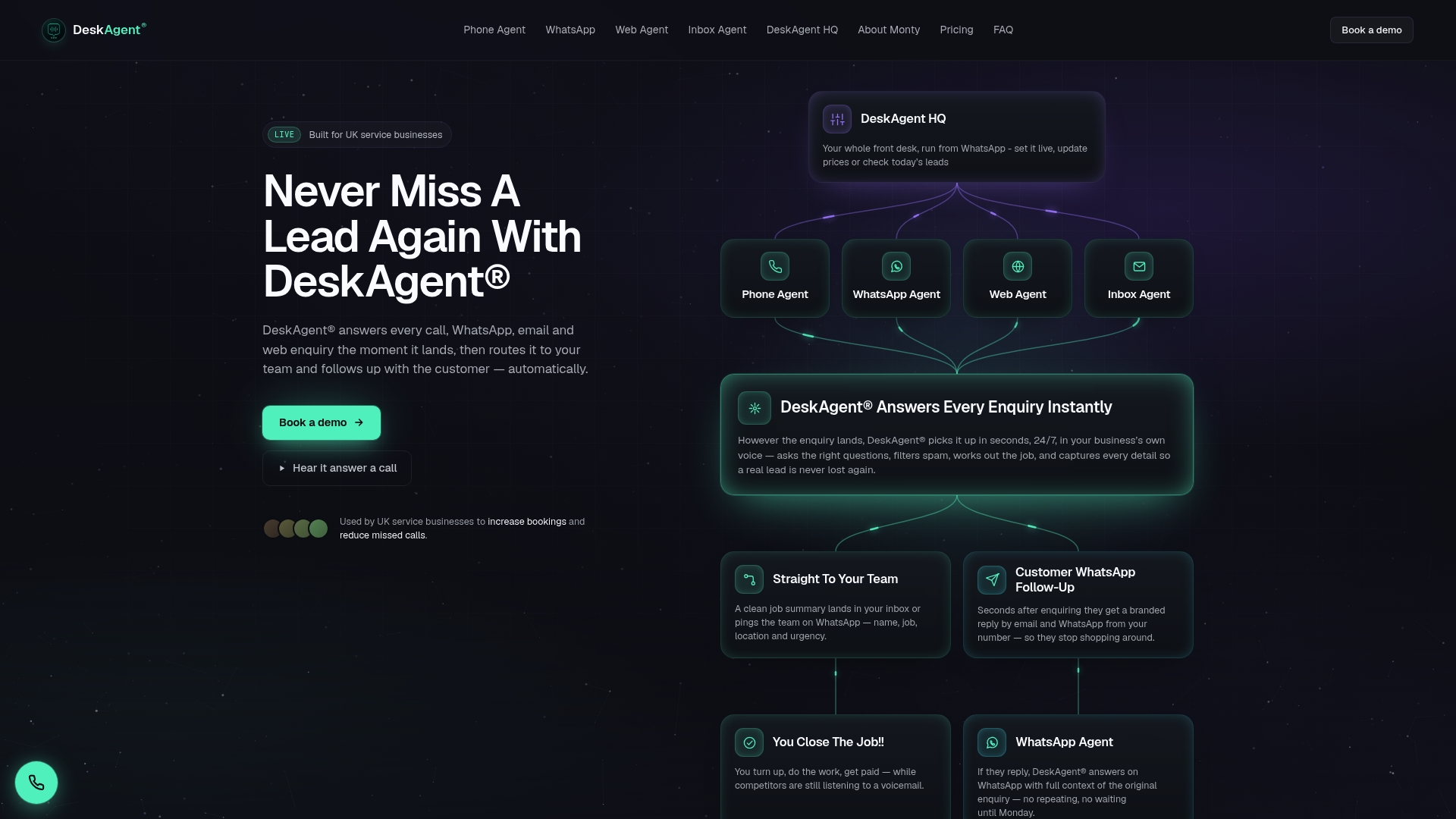
We integrate with your calendar for direct booking and keep context intact across every handoff so nothing gets explained twice. If the checklist above felt like a lot to build and maintain in-house, we’ve already built it. You can see our Web Agent, Inbox Agent, Phone Agent, and other plans and book a demo to see how it handles your own enquiry volume.
FAQ
What does automated lead follow up actually mean?
It means using software to send acknowledgements, qualification questions, and nurture messages automatically instead of waiting for a person to notice a new enquiry. The goal is consistent, fast contact across every channel a lead might use, from email to WhatsApp.
How fast should the first response be?
Research on lead response time suggests that contacting a web lead very quickly materially raises the odds of qualifying it, so aim for a prompt automated acknowledgement. Treat the exact timing as a benchmark to test against your own conversion data rather than a fixed rule.
What channels should an automated follow-up sequence cover?
A well-built sequence covers email, SMS, phone, and WhatsApp or web chat, since leads reach out through whichever channel is most convenient to them at that moment. Covering only one or two channels leaves a gap where leads who prefer texting or messaging apps go unanswered.
Do I need consent before sending automated SMS or WhatsApp messages?
For leads in the UK, PECR and UK GDPR generally require prior consent before sending marketing texts, WhatsApps, or emails to individuals, with only a narrow soft opt-in exception for existing customers that still requires an opt-out in every message. If you also market to people in the EU, the EU GDPR and ePrivacy rules apply there, so check them before building automated SMS or WhatsApp sequences.
How much does an automated front desk system like DeskAgent cost?
DeskAgent plans range from the Web Agent and Inbox Agent at £85 per month each to the Phone Agent and WhatsApp Agent at £125 per month each, with the Full DeskAgent System available at £285 per month. A one-off setup fee of £500 applies to the full system, all listed on our plans page.