After Hours Calls for Service Owners: Capture Leads, Set Limits
For many service businesses, a hybrid system that captures contacts automatically and routes urgent ones to a human can balance cost against lost revenue. The sections below walk through the options, the pricing logic, ready-to-use scripts, and the rollout steps.
TL;DR:
Per-call pricing suits seasonal demand, subscriptions suit steady volume, and hourly staffing suits staffed coverage; compare the monthly fee with expected converted job revenue.
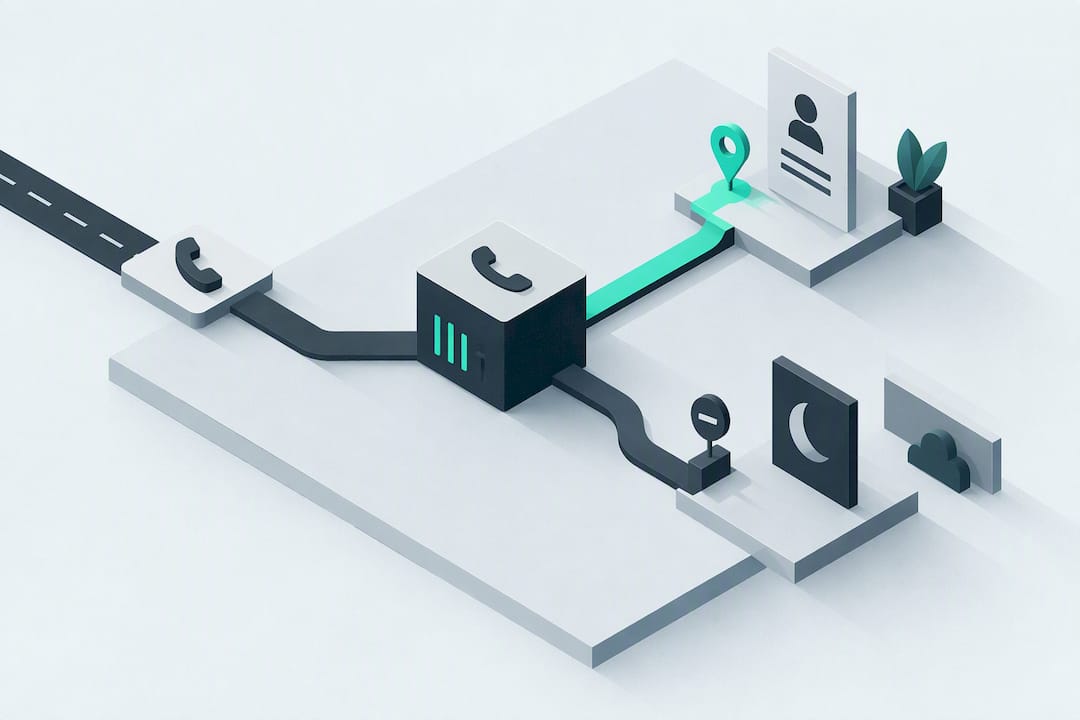
Define emergencies plainly, name the person who handles escalation, and give non-urgent callers a specific response window, such as by 9am next business day.
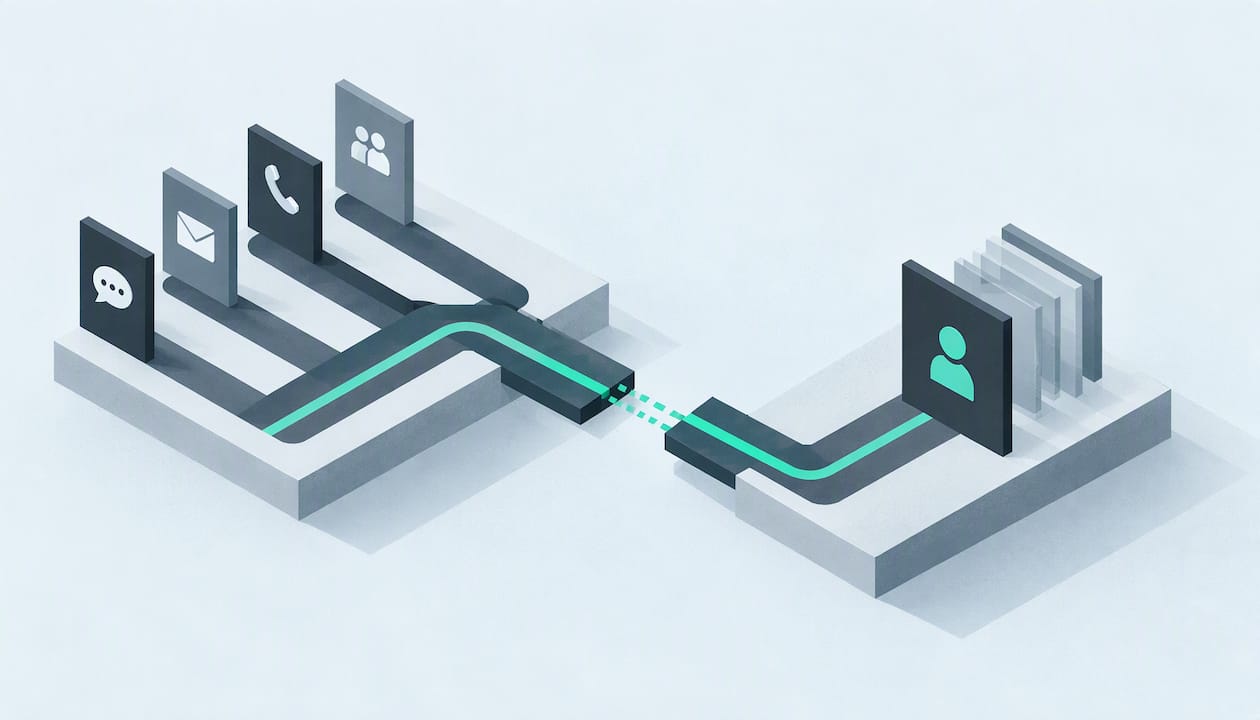
Route calls, WhatsApp messages, and web enquiries into one inbox; calendar sync can book jobs, while CRM handoffs give staff lead context.
Track answered calls, booking conversion, response time, and missed opportunities; target urgent replies within 15 minutes, review weekly for a month, then monthly.
Test paid coverage when missed contacts or high job values make lost leads costly, and expand only if a short pilot’s bookings justify the expense.
Table of Contents
-
What are your options for handling calls outside business hours?
-
How DeskAgent gives you 24/7 capture without the staffing cost
What are your options for handling calls outside business hours?
Four approaches cover almost every situation, and each one trades cost against how well it captures a lead.
-
Voicemail and auto-reply: free or near-free, but most callers hang up without leaving a message, so you lose the lead before you ever hear about it.
-
On-call rota with scripted responses: a staff member carries a phone and follows a script; it can work for small teams with low after-hours volume, but frequent calls may strain employees.
-
Outsourced answering service: a third-party team answers and logs calls without you hiring in-house, which solves coverage but adds a recurring handoff step before your team sees the details.
-
Automated or AI-powered front desk: software answers immediately, asks qualifying questions, and passes a summary to your team, which gives you consistent capture without staffing a shift.
Voicemail costs the least and captures the least. A rota costs staff goodwill and overtime. Outsourcing buys you a human voice at a steady monthly cost. An automated system may cost less than staffed coverage and can respond quickly, depending on its setup.
How much should you budget for after-hours coverage?
Pricing for after-hours coverage typically falls into one of three shapes.
-
Per-call or per-minute: you pay only for what gets used, which suits businesses with unpredictable or seasonal volume.
-
Flat monthly subscription: a fixed fee regardless of call count, which makes budgeting simple for steady demand.
-
Per-agent hourly: you pay for a person’s time on shift, the model behind most staffed rotas and many outsourced desks.
What drives the final number is call volume, how often calls need escalation, how complex your scripts are, and whether the system needs to connect to your calendar or CRM. A rough way to judge whether coverage is worth paying for: multiply your estimated monthly after-hours contacts by your typical conversion rate, then by your average job value. If that number clears your monthly coverage cost with room to spare, the investment pays for itself.
Gartner reports that 85% of customer service leaders planned to explore or pilot customer-facing conversational generative AI in 2025, a sign of growing interest in automated contact handling among service teams.
How do you set boundaries and script after-hours contacts?
Clear rules prevent after-hours coverage from turning into round-the-clock availability for your staff.
-
Define what counts as an emergency in plain terms your callers will recognise, such as “no heating,” “active leak,” or “no access to the property.”
-
State your response window for non-urgent contacts, for example “we respond to non-emergency messages by 9am the next business day.”
-
Make escalation explicit, naming who gets contacted for a true emergency and how fast.
Two scripts cover most situations. For an emergency: “This sounds urgent. I’m connecting you with our on-call technician now, who will call you back as soon as possible.” For a non-urgent contact: “Thanks for reaching out. Our office is closed right now, but we’ve logged your message and someone will follow up by [stated time] tomorrow.”
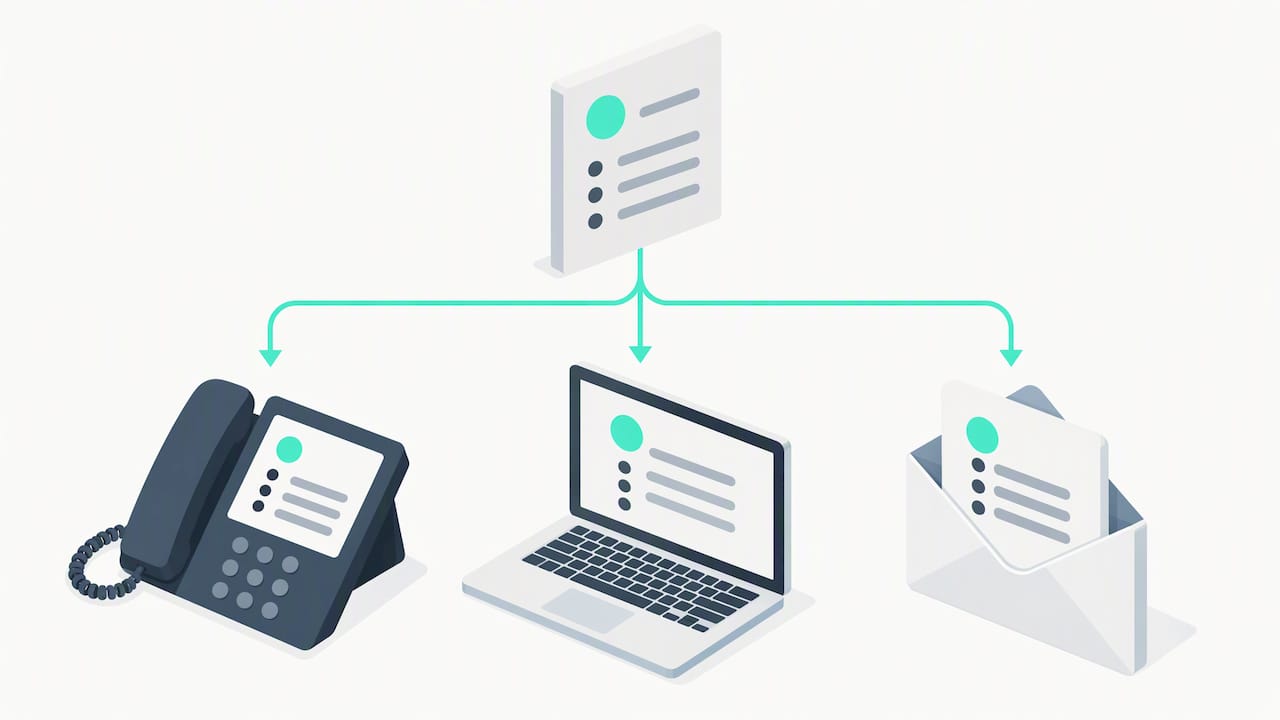
Publish both versions on your phone system’s after-hours message, your website’s contact page, and any automated email reply so callers hear the same policy no matter which channel they use.
Pro Tip: Keep both scripts brief. Callers remember a clear next step, not a long explanation.
How do you roll out after-hours coverage step by step?
A working system comes together through a few steps.
-
Define coverage hours first, deciding whether you need round-the-clock capture or just evenings and weekends.
-
Set escalation rules that match the scripts above, naming who gets called for genuine emergencies.
-
Configure routing so calls, WhatsApp messages, and web enquiries all land in one place instead of three.
-
Test fallbacks by calling in after hours yourself to confirm the message plays correctly and escalation actually fires.
-
Publish client-facing messages across your phone greeting, website, and email auto-reply so expectations match reality everywhere.
Integration matters as much as the initial setup. Calendar sync lets a system book a job directly instead of just taking a message. A CRM or ticketing handoff means your morning team sees a qualified lead with context, not a vague voicemail transcript. WhatsApp and web capture bring in contacts that never would have called at all.
Timelines vary by approach. A simple voicemail or auto-reply update may be quick, while outsourced or integrated systems can take longer to onboard, train, and connect, depending on the setup.
How do you know if your after-hours system is working?
Four numbers tell you whether your setup is paying off: the share of after-hours calls actually answered, the call-to-book conversion rate, time-to-first-response, and your missed-opportunity rate.
-
Set a target SLA, such as responding to urgent calls within 15 minutes and non-urgent ones by the next business morning.
-
Track with what you already have, using call logs and CRM tags rather than building a new reporting system.
-
Review weekly for the first month, then shift to a monthly check once the numbers stabilise.
What’s a reasonable threshold for investing in coverage?
I’d set the bar simply: if you’re missing after-hours contacts or your average job value makes a lost lead expensive, it’s worth testing a paid solution. Run a short pilot, measure answered calls and bookings against the cost, and expand only once the numbers justify it.
— Montgomery
How DeskAgent gives you 24/7 capture without the staffing cost
We built DeskAgent to answer calls, WhatsApp messages, and web enquiries outside business hours, so you’re not choosing between an on-call rota and voicemail. Our system qualifies each contact by intent and urgency the moment it comes in, then hands your team a clear summary.
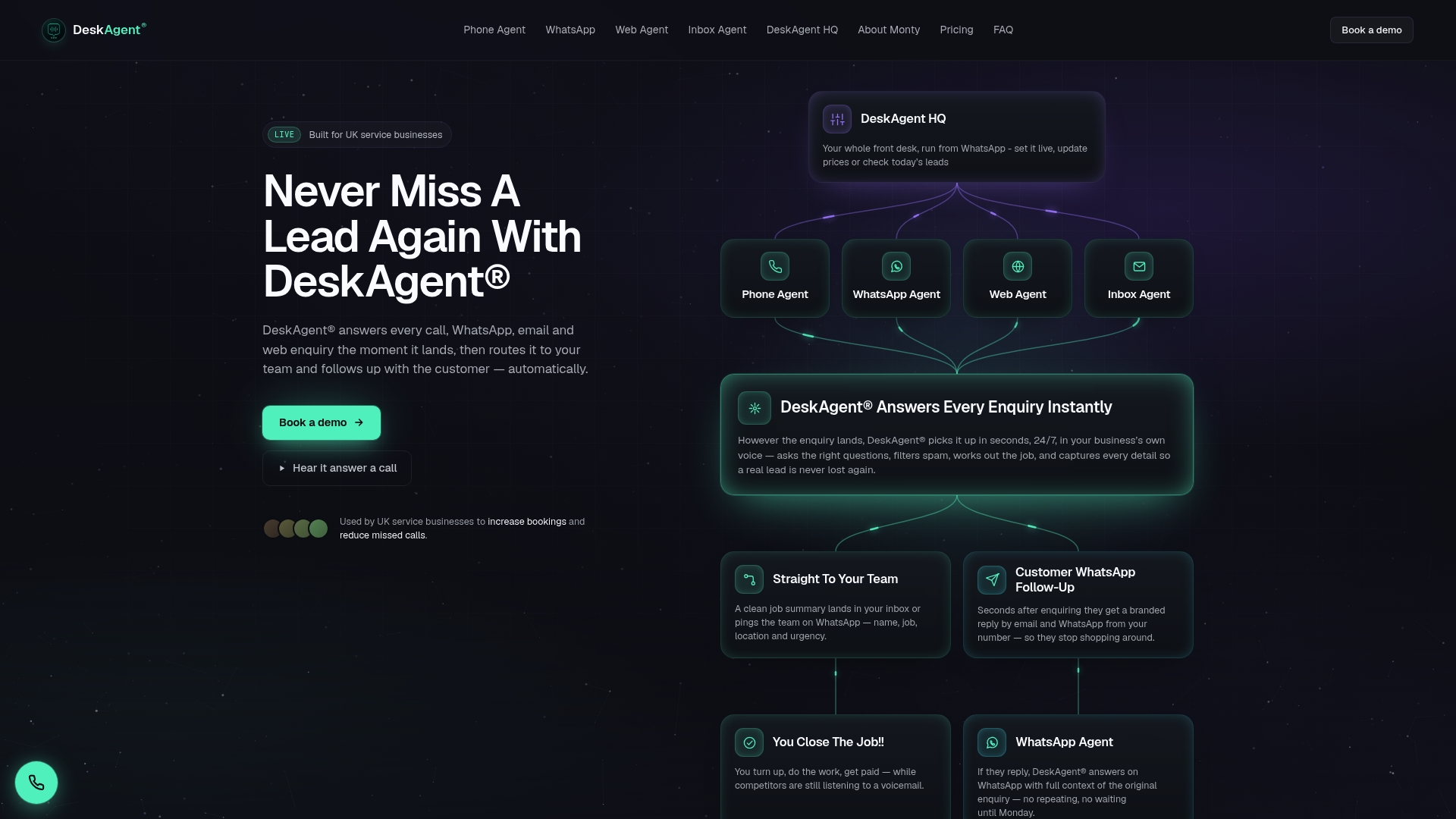
This fits naturally for property maintenance, trades, pest control, and facilities businesses, where after-hours demand is steady and a slow response often means the job goes to whoever answers first. Plans start with the Web Agent or Inbox Agent at £85 per month, with Phone Agent and WhatsApp Agent at £125 per month each, or the full system at £285 per month. Book a demo through our DeskAgent plans page to see how fast a qualified lead reaches your team.
FAQ
What is after hours on call?
After hours on call means a staff member or system remains reachable outside normal business hours to handle urgent contacts. It usually involves a defined rota, a response time target, and clear rules for what counts as urgent enough to escalate.
What should you do when a colleague contacts you after hours?
Check whether the message meets your team’s definition of an emergency before responding immediately. If it’s not urgent, a quick acknowledgement that you’ll follow up during business hours protects your own boundaries without leaving the person hanging.
Is it illegal to call someone after 5pm?
There’s no general law against calling someone for ordinary business purposes outside standard business hours, though rules on calling times can vary by country and by the type of call. Check the specific regulations that apply in your market or consult a legal professional before setting policy.
What is an after-hours answering service?
An after-hours answering service is a team or system that takes calls, messages, or enquiries when your office is closed, logging details or escalating urgent ones. Options range from live outsourced receptionists to automated systems like DeskAgent that qualify leads and route them to your team instantly.